Status
Work in Progress
The work in progress post when Approvals is enabled will show up like the standard publish. There will be virutally no changes, with the exception of the metadata applied to the post.Request Review
If the Approvals options are enabled, this is how your Discord post will come across with the orange highlight indicating that it is awaiting review.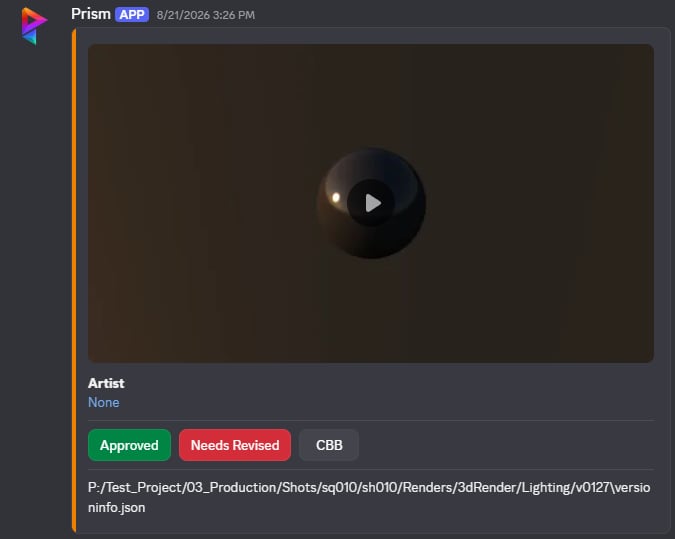
Button Interactivity
WIP
When you publish to discord with the Approvals feature enabled, it will post the message with the attachment, notes, and mark the color of the post as purple.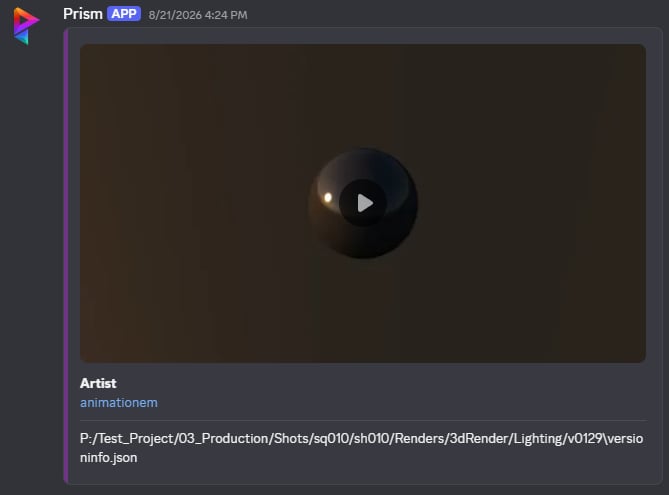
Approved
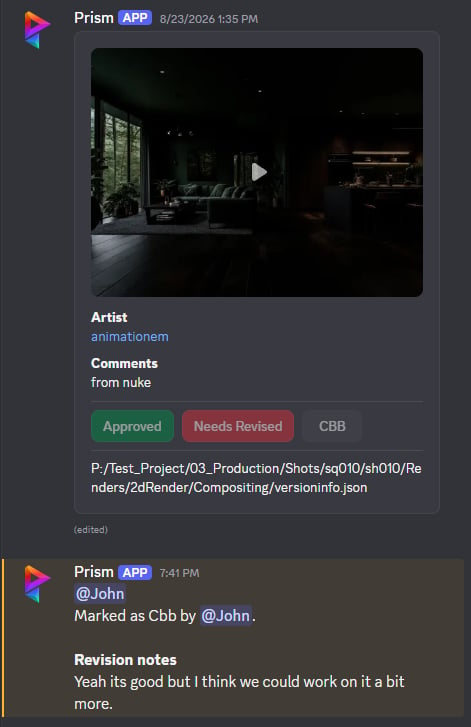
When you press the ‘Approved’ button in the approvals section of the message block, it will post to the message block as a thread this message and change the color of the attachment to green: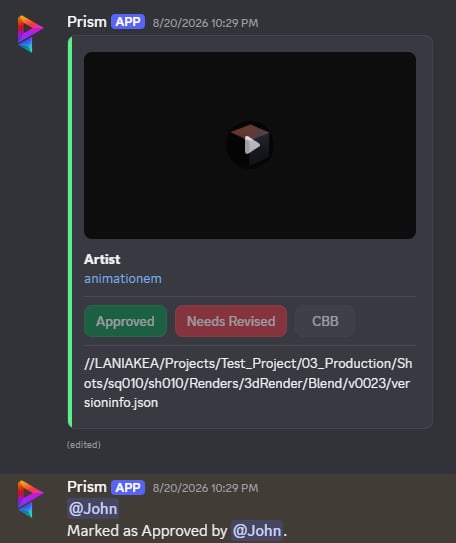
Needs Revised
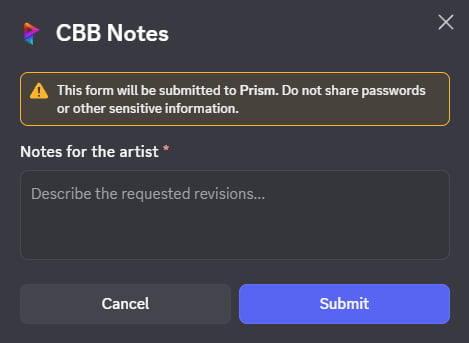
When you press the ‘Needs Revised’ option, you will be prompted with a modal, that will allow you to leave comments that need to be addressed. This is what that window will look like: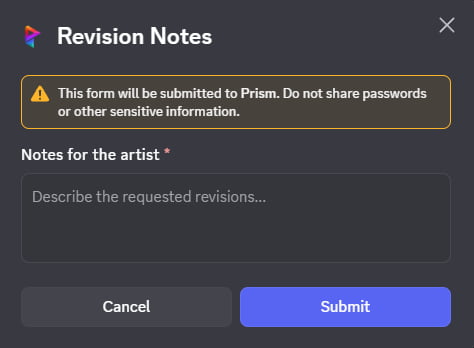
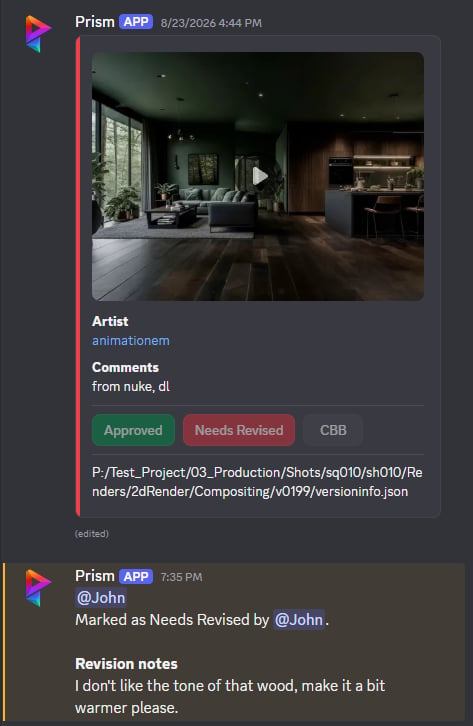
CBB
The CBB button will do the same thing as the Needs Revised option. It will bring up a modal that allows you to leave comments for the artist to address.