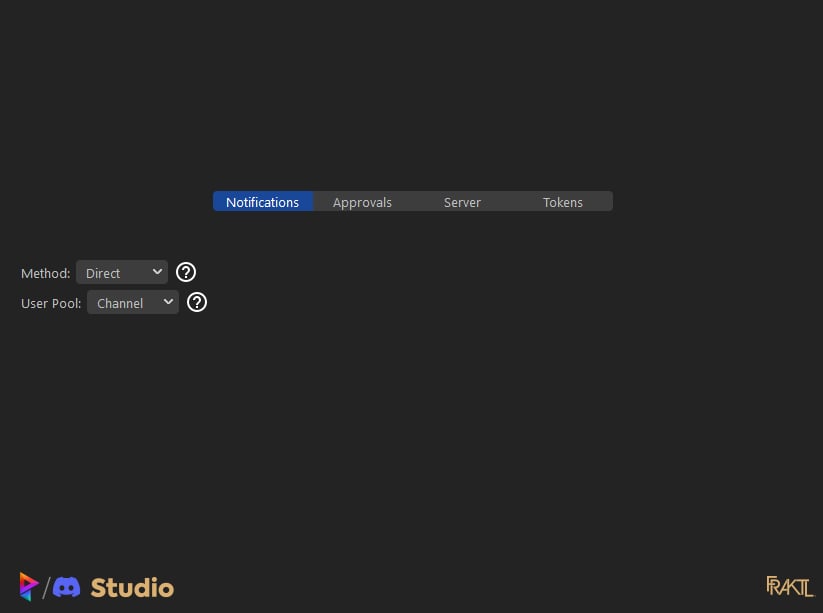
Notifications
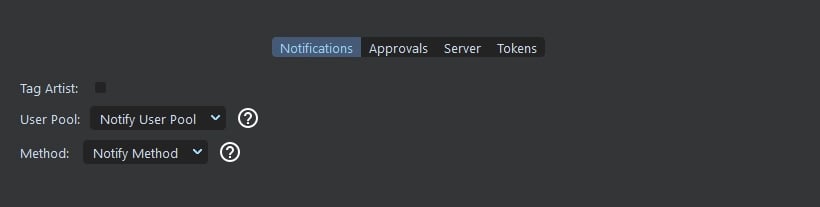
User Pools
Channel
Draw from the users in the Slack Project ChannelStatus: Active
Studio
Draw from the users in the Studio plugin poolStatus: Inactive - No way of gathering information from users in the studio pool. Will probably write information to the
studio config in the future.
Method
Direct
Notify the selected user by Direct message
Channel
Notify selected user in the Discord channel
Approvals
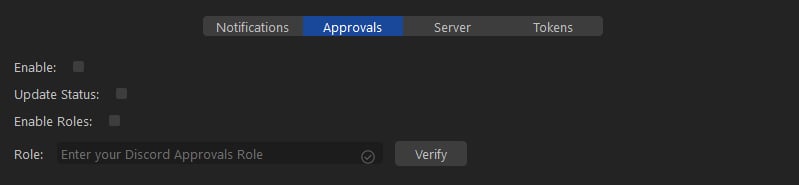
If you choose to enable the Approvals options, it will give the artists an additional prompt when making publishes through the State Manager or the Media Browser to allow them to mark a publish with a Status. You can see more information on that here: Discord - Approvals
Update Status
If you enable this option, when an artist marks a publish with a status, it will update the status in the local versions json file. It will mark it as the following:
- ip/In Progress - If post is marked as Work in Progress
- rev/To Review - If post is marked as Request Review
Roles You can choose to enable Roles as an additional filter when someone presses a button associated with Approvals. If someone is not part of a selected Role it will prompt them that they cannot access that feature. In order to make use of the Roles feature, enable it and input your Role into the text field and press the
Verify button. Prism will make a call to check
and see if the role exists. If it does it will turn green and say that it has been verified. If not, it will not change.
If there are no changes, you can check the Prism Console to see whats going on.
C:\ProgramFiles\Prism2\Tools\prism_gui_with_console.batServer
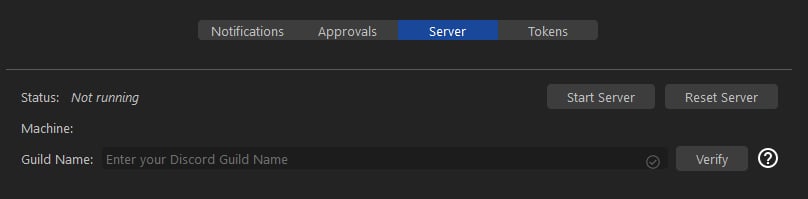
You may start the server from this section, but note:
- If the server is already running, it will not restart.
- If the server is not running locally or remotely, the Start Server button will be active, but starting it may fail.
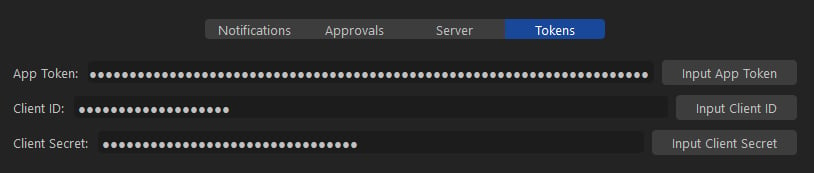
Tokens