

A single option only applies if you are running Prism+ with Studio enabled. Otherwise, please refer to the Studio Settings page for more options.
1
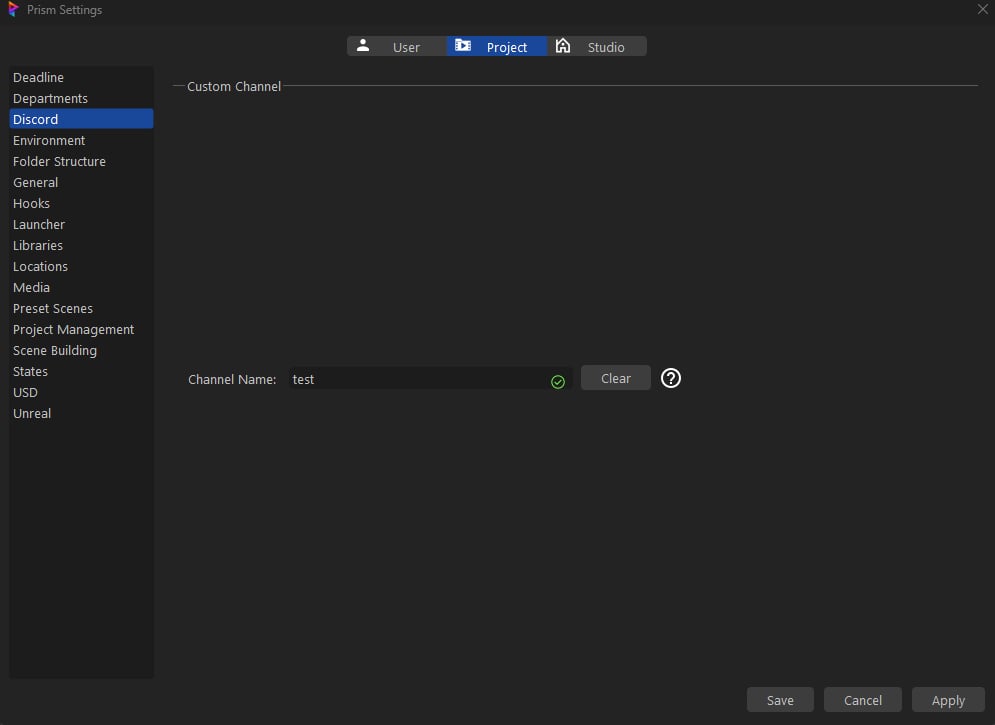
Locate Custom Channel Setting

2
Input Custom Channel Name
Input the channel name you want to send your content.
3
Verify the Custom Channel
Press the Verify button. If it passed the check, it will store that information in the project pipeline file and change the button to Verified.