

Slack Media Publish Node
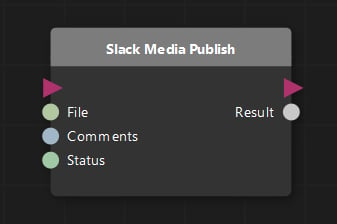
Node Tree
You can access this node by opening the list of nodes and searching for “Slack”. The “Slack Publish Media” node will be the first and only node currently available for the Execution Graph.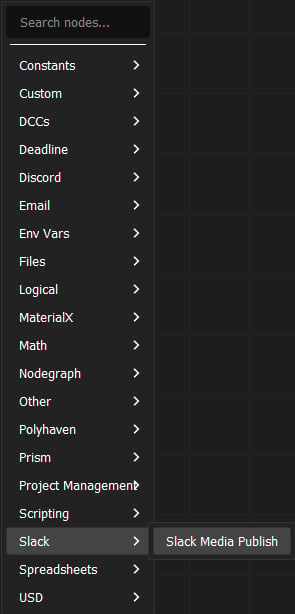
Parameters
You will find these settings that are available for the Slack Media Publish node: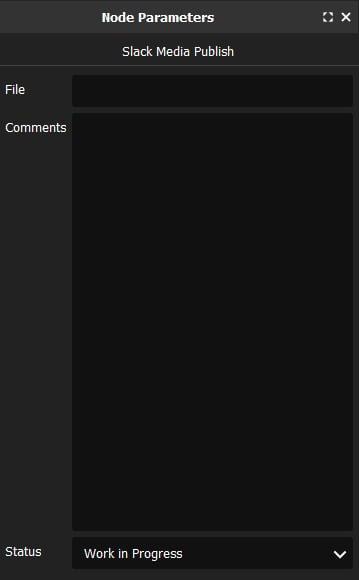
string
required
The file path of the media you want to publish to Slack. This should be the output file path that you want to publish. You can use any of the standard path variables that Prism supports in order to dynamically generate the file path based on your project structure and naming conventions.
string
Any comments you want to add to the published post in Slack. This is optional and can be left blank if you don’t want to add any comments. You can also use this field to dynamically generate comments based on your project structure and naming conventions.
string
The status of the publish. This will show whether the approvals option is enabled or not. If it’s not enabled, it won’t do anything. If it is enabled, it will show the status of the publish and whether it has been approved or not. You can use this field to dynamically generate the status based on your project structure and naming conventions.
Examples
Standard Publish Flow
