

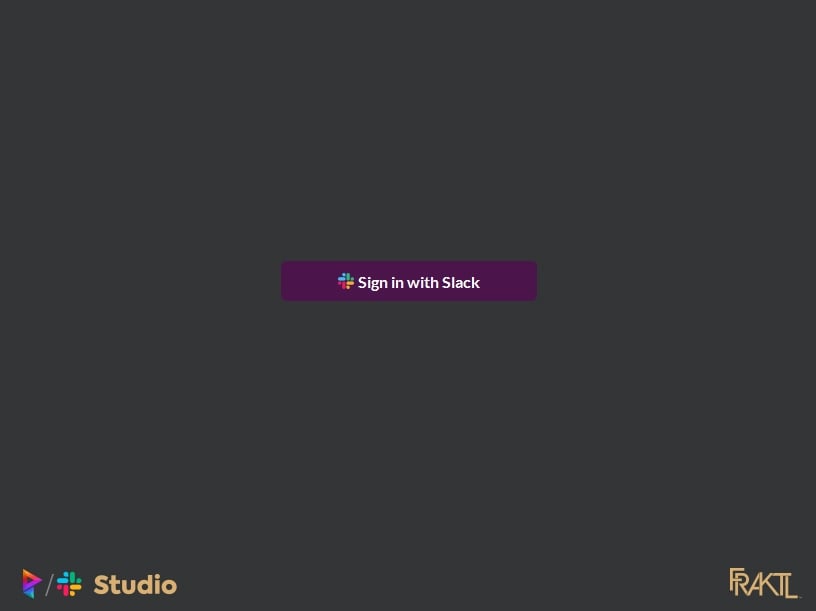
Sign In with Slack
Sign out from Slack
If you wish to Sign out from Slack, you can click the button next to your name and it will remove your information from the Prism user configuration file and revoke the auth from the Slack App as well.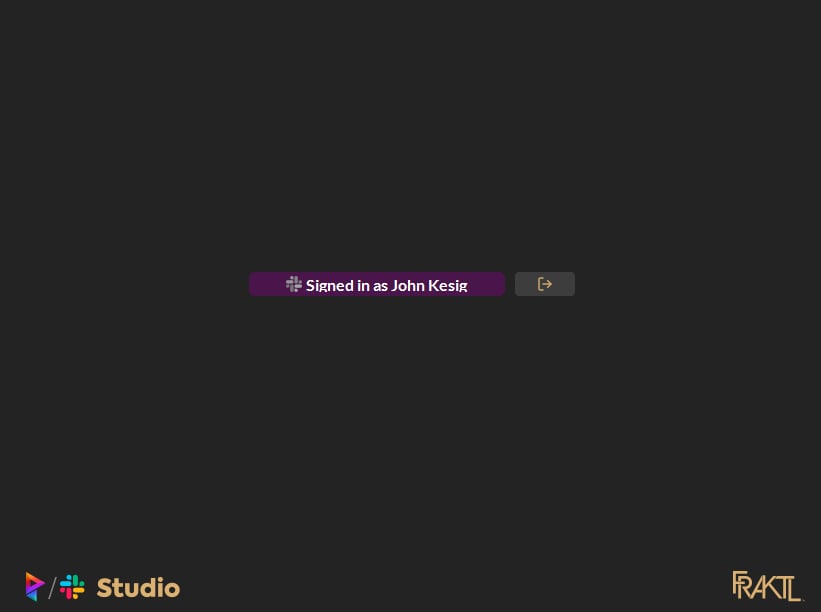
Manual
Deprecated v2.1.4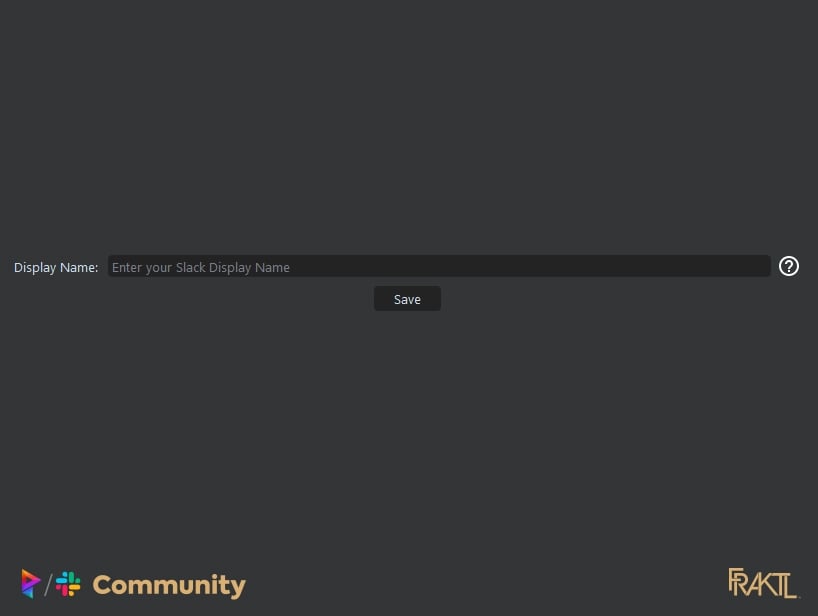
- Display names are more inclusive to the user
- Prism usernames are never going to be the same unless you specifically made it the same when working with your artists.