Status
Work in Progress
The work in progress post when Approvals is enabled will show up like the standard publish. There will be virutally no changes, with the exception of the metadata applied to the post.Request Review
If the Approvals options are enabled, this is how your slack post will come across.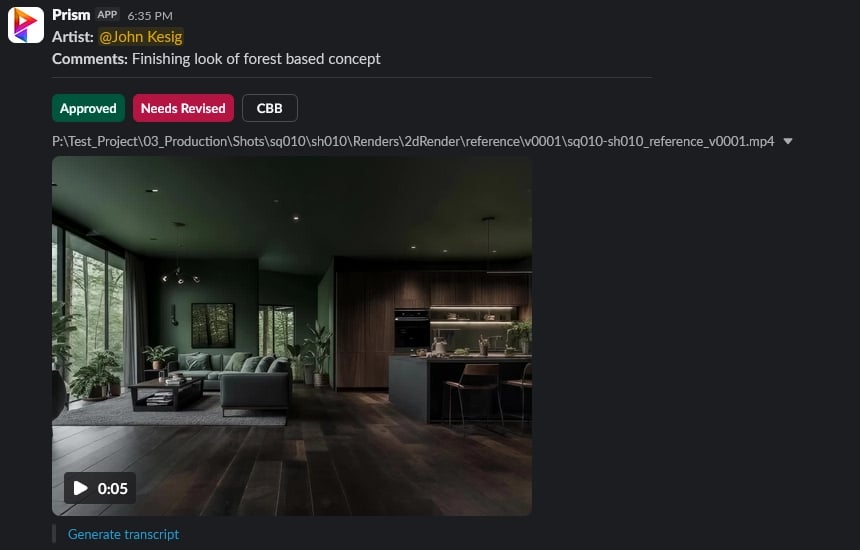
Button Interactivity
Approved
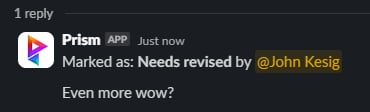
When you press the ‘Approved’ button in the approvals section of the message block, it will post to the message block as a thread this message:
Needs Revised
When you press the ‘Needs Revised’ option, you will be prompted with a modal, that will allow you to leave comments that need to be addressed. This is what that window will look like: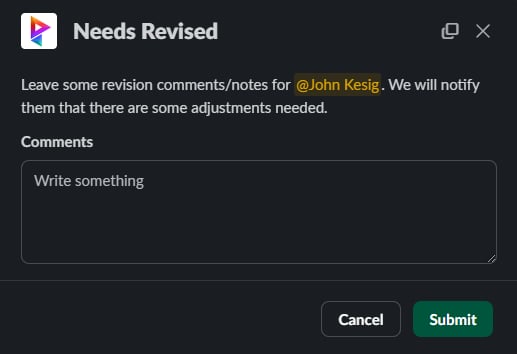
CBB
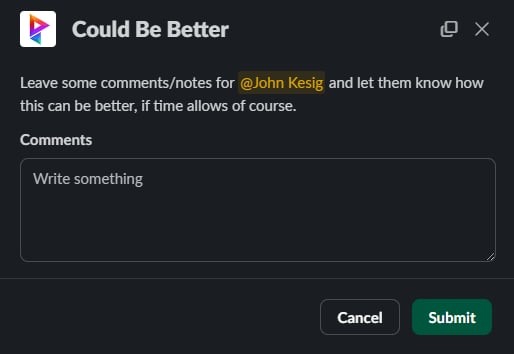
The CBB button will do the same thing as the Needs Revised option. It will bring up a modal that allows you to leave comments for the artist to address.